The display language is initially chosen when setting up a new user. However, you can toggle the display language once you are logged in.
To change the display language:
- Log in to your account. (Click here for instructions.)
- Choose the appropriate language from the Language drop-down menu.
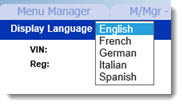
- If the language you would like is not in the list, contact your National Sales Company to request it be added.
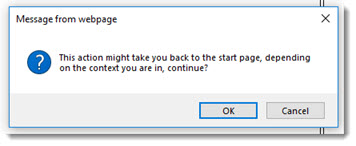
- A warning message will display, letting you know you may be taken back to the start window. Click OK to continue.
- The display language should now be updated.
KB Article #5076